















Microsoft Teams
La plateforme collaborative qui connecte vos équipes, vos clients et vos outils
Conversations, réunions, documents et applications métier : un espace de travail unique et accessible partout, qui centralise la collaboration au quotidien, augmenté par l'IA et les agents métiers.
At a Glance
Comprendre Microsoft Teams
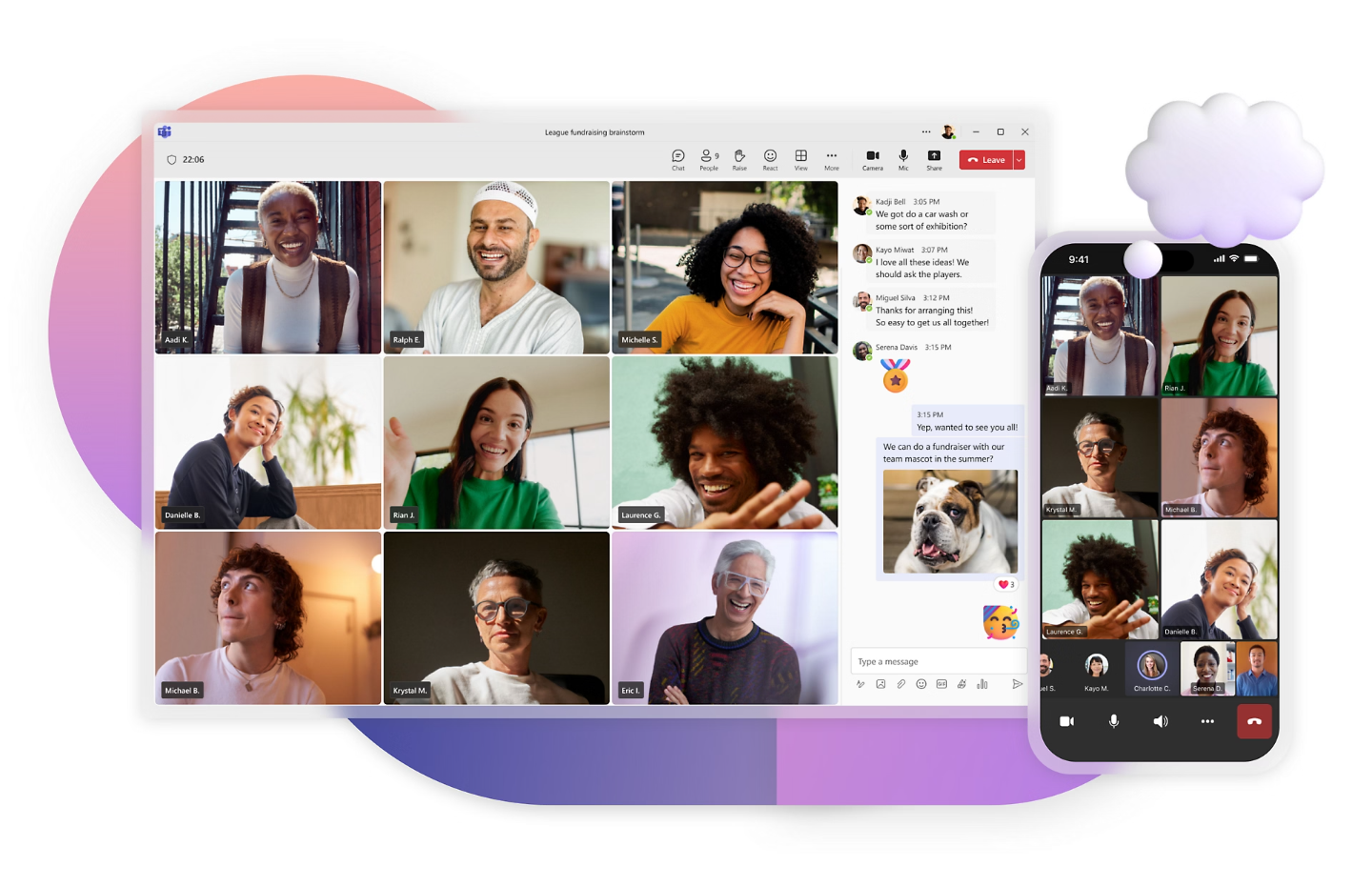
Today, collaboration is about far more than exchanging emails or scheduling online meetings. Organisations need a unified workspace that brings together conversations, documents, meetings, business applications, and now artificial intelligence.
Microsoft Teams meets this need by serving as the central hub of Microsoft 365. Accessible from a desktop, tablet or smartphone, Teams supports your employees wherever they are and makes day-to-day collaboration easier.
Microsoft’s latest innovations reinforce this position even further by embedding AI, intelligent search, and business agents directly into the user experience.
Collaboration
Encourage more effective collaboration
Teams spread across multiple locations, employees on the move, ever-increasing volumes of communication: microsoft 365 brings together the tools that enable people to communicate, share and work simultaneously on the same files in real time.Centralised Workspace
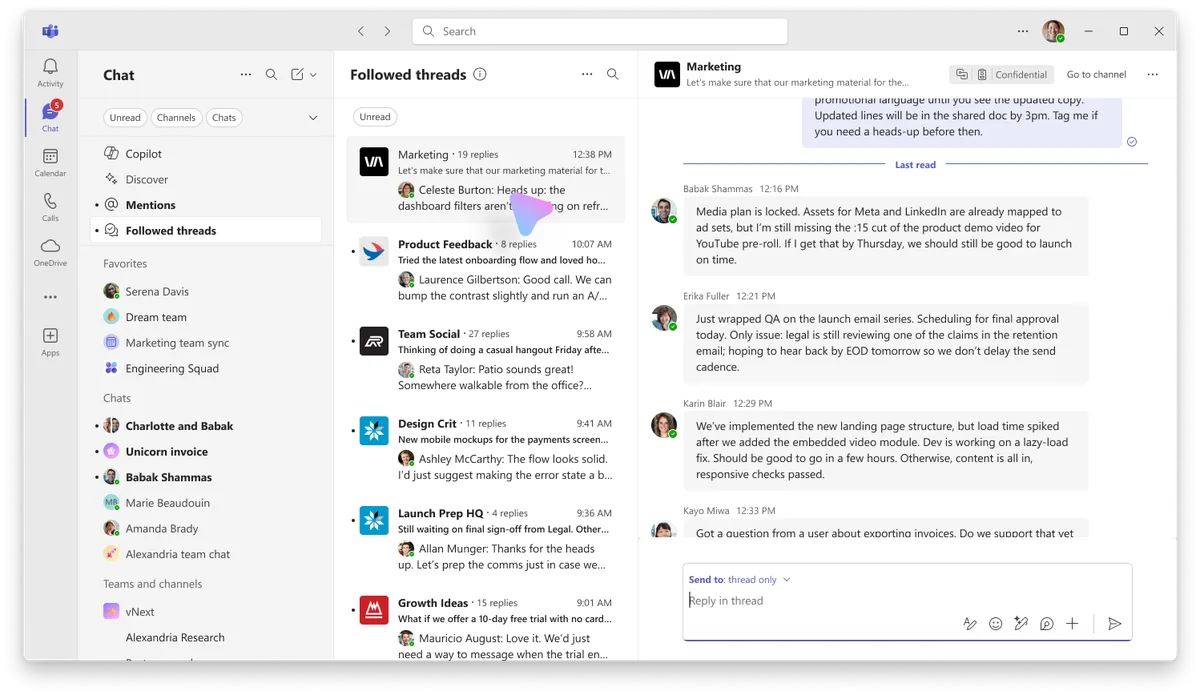
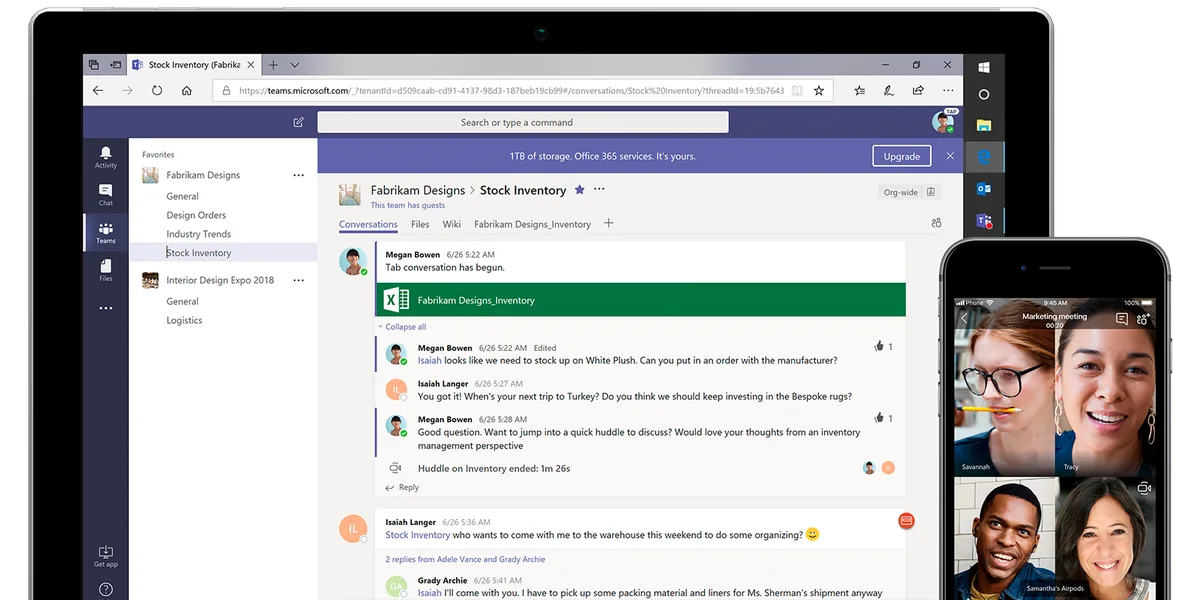
Employees still spend a significant amount of time searching for information scattered across emails, files, applications and conversations. Teams brings all these resources together within a single platform.
Centralise communications and conversations
Create dedicated spaces for each team, department or project
Share and co-author documents in real time
Access important information easily
Reduce internal email volume
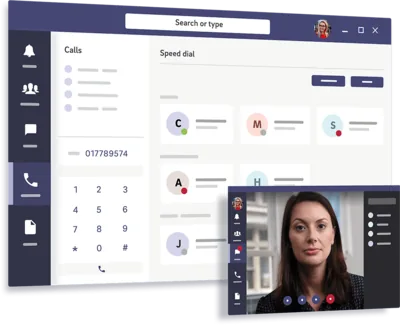
Collaborate from any device
Teams work faster, with greater visibility across projects and company information.


Artificial Intelligence
Unlock the power of artificial intelligence
Analytics is no longer reserved for specialists. Anyone can explore and query data through a simple, intuitive experience.
Included
Copilot in Teams
Access meeting summaries, retrieve information from your conversations, or quickly get the key details of a project. There is no longer any need to sift through dozens of messages or hours of recordings.
Summarise a meeting in seconds
Identify decisions made
List action items
Quickly find information within a conversation
Prepare for a Meeting Using Previous Conversations
Ask questions in natural language
New contextual search features even make it possible to find content without knowing the exact keywords.

What's New for 2025–2026
AI Agents
Microsoft is transforming Teams into a truly intelligent assistance platform. Developed with Microsoft Copilot Studio, AI agents integrate directly into Teams to support employees in their day-to-day activities and automate certain business processes.
Answer HR or administrative questions
Support sales teams
Search for Information Across Multiple Systems
Support Business Central Users
Automate Certain Repetitive Tasks
Provide employees with contextualised answers
These new assistants represent one of the major developments in the Microsoft 365 environment.
Ecosystem
Connected to Your Entire Microsoft Environment
One of Teams’ greatest strengths lies in its native integration with the full range of Microsoft solutions: your users can access the tools theyare familiar with in a consistent, secure and interconnected environment.

Outlook

Word

Excel

PowerPoint

OneDrive
SharePoint

Planner

Power BI

Dynamics 365

Business Central
This integration reduces context switching and improves employee efficiency.
ERP Integration
Teams and Business Central: Collaboration Connected to Your ERP
At DBE, we see Teams as much more than just a collaboration tool.
Thanks to its native integration with Dynamics 365 Business Central, Teams becomes a genuine access point to your company’s business information. Your employees can collaborate around business data without having to switch between multiple applications or rely on endless email exchanges.
Share customer or project information in Teams
Collaborate on a business case
Organise meetings related to operational activities
Easily access project documents
Streamline communication between departments
This integration brings ERP data closer to users and makes decision-making easier.

The DBE Approach
Teams, Business Central and Copilot: The Winning Combination
Enhanced project collaboration
For businesses that manage their operations in Business Central, Teams becomes a collaborative workspace directly connected to projectsand teams: each project has its own dedicated environment, bringing together conversations, files and meetings.
A dedicated Teams space for each project
Better coordination between stakeholders
Simplified Document Sharing
Centralised discussions
Quick Access to the Information You Need
Teams benefit from greater visibility and efficiency throughout the project lifecycle.
What this combination enables
With Teams, Business Central and Copilot, users have a complete environment that enhances collaboration while making better use of company data.
Quickly Find the Information You Need
Prepare for Meetings More Effectively
Summarise meetings or conversations
Speed Up Decision-Making
Automate certain administrative tasks
Improve Overall Team Productivity
Microsoft Teams thus becomes the true central hub of your digital workplace.
Security
A Secure and Scalable Platform
Microsoft Teams benefits from the same security and compliance standards as the rest of the Microsoft 365 platform
The company therefore retains control of its data while providing users with a modern experience.
Multi-factor authentication
Access and permissions management
Data encryption
Microsoft Compliance Policies
Governance and audit tools
A solution designed to support the long-term growth and evolution of your organisation.
Contact
Let's Discuss Your Project
Make Teams the hub of your business
Our goal: to make Microsoft Teams the true collaboration hub for your business and the central point of your Microsoft 365 environment.Let’s discuss how you actually work, from team spaces and meetings to telephony and business agents, and build a deployment that fitsyour organisation.
FAQ